

What do you do when you don’t want to walk 10 feet across your studio to change the background on your LED wall in the middle of a shoot?
You create an app, of course.
Our team is still busy working on the next version of FlightDeck using the feedback from our open beta last year, but in the meantime we thought we’d share another one of the projects we’ve been working on.
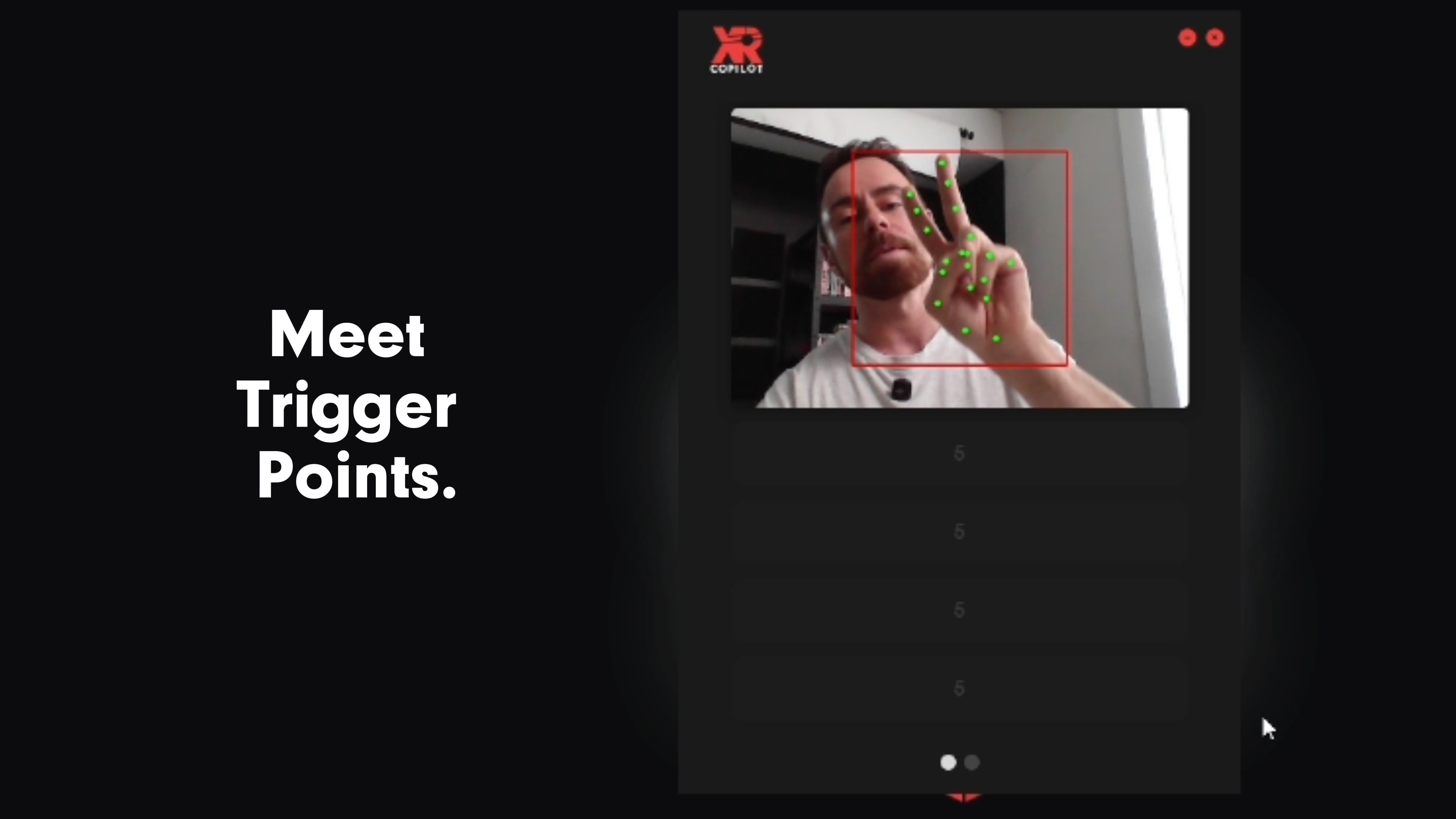
Introducing Trigger Points
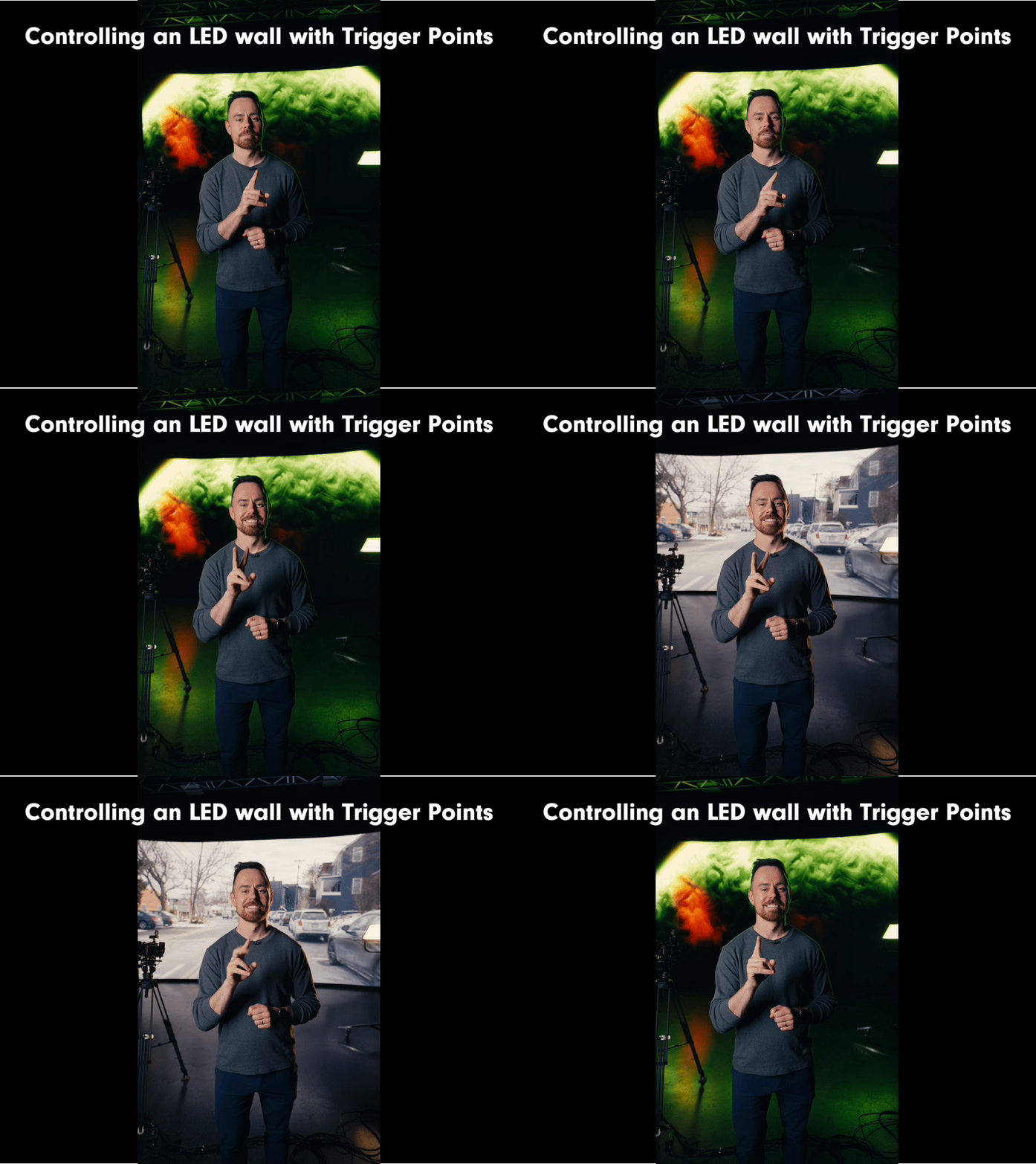
This is Trigger Points: an open-source tool that allows you to control your computer (and any systems connected to it) by just holding up your fingers.
It works by using your webcam or any camera connected to your computer to detect how many fingers you’re holding up. You can map custom keyboard shortcuts to each number to work with your program of choice.
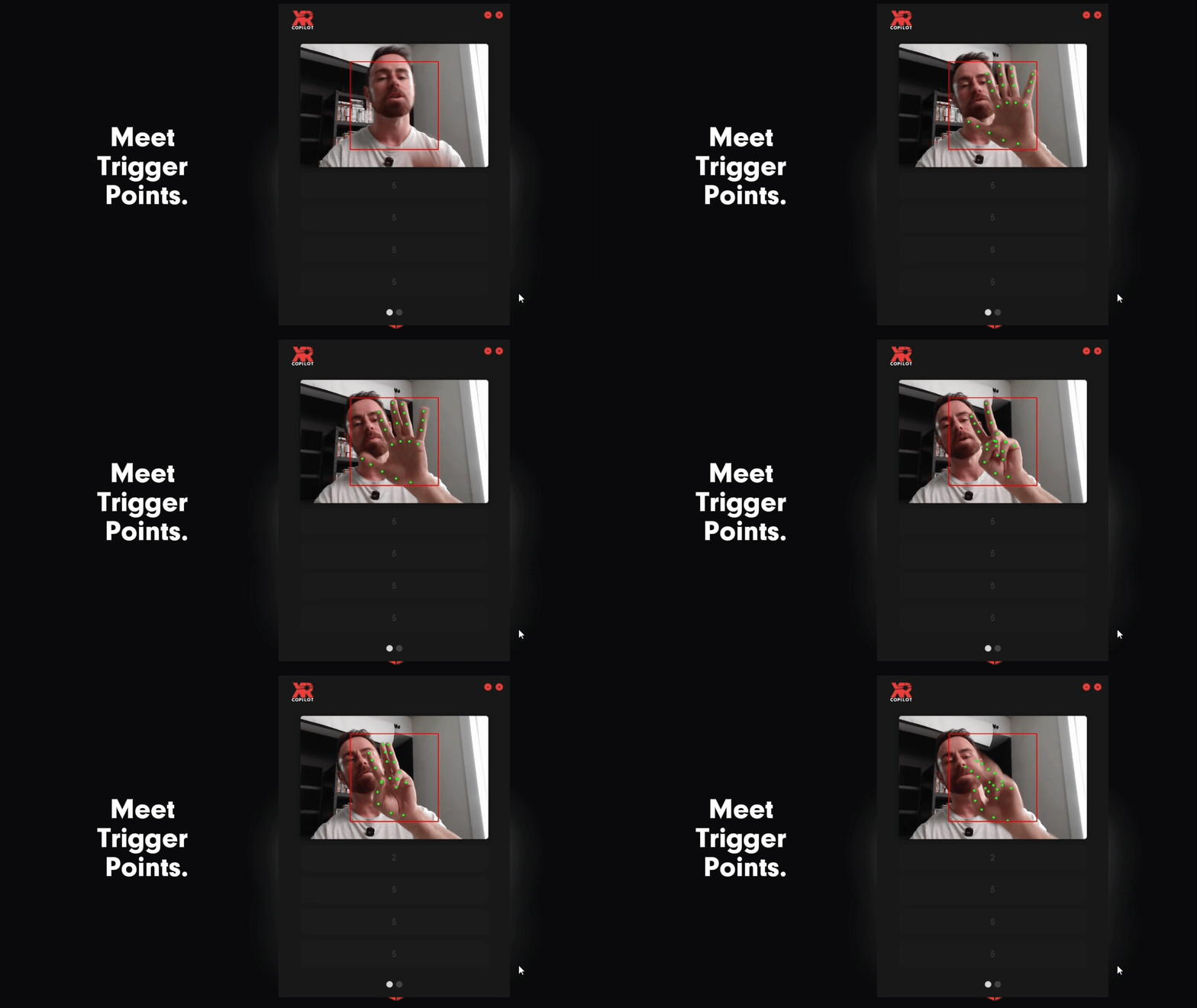
We created Trigger Points to solve a very specific issue for ourselves: having to run back and forth to change the backgrounds on the LED wall at AVRO XR Studio. With Trigger Points, we can control most things in the studio, including the LED wall and ASSIMILATE for changing backgrounds.
Our First Open Source Tool
We made this free and open-source because we want to see how other people will use it. We have a few ideas for other use-cases:
- Culling through photos in Lightroom
- Controlling livestreams in OBS studio
- Increasing computer accessibility for those with limited fine motor skills
Check out Trigger Points on GitHub here.
Related reads